Download and open
Download the DMG, open it and drag Nautilus for Mirror to Applications. The first time, macOS refuses to open it, because it is not signed yet: open System Settings › Privacy & Security and choose Open Anyway.
 nautilus
 for mirror
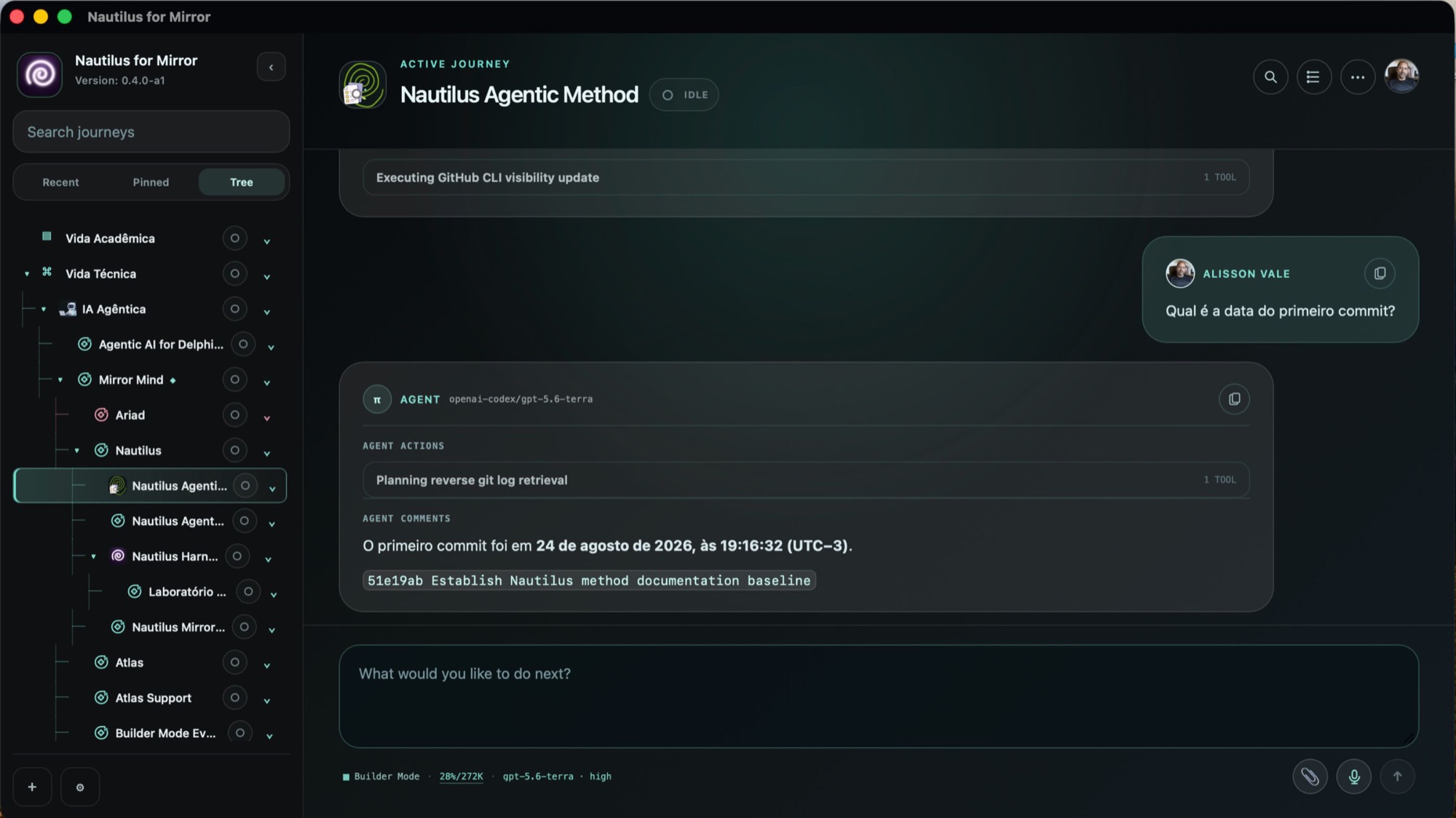
Nautilus for Mirror is a macOS app for working in your journeys. Each conversation belongs to a journey, and the agent in it knows your mirror: who you are, what you are building and what was already said. No terminal needed, from the first run to the hundredth conversation.
Alpha. Built for Intel Macs; Apple Silicon is not tested yet. Not signed or notarized yet.
what it does
what it is becoming
Nautilus is also a method. The Nautilus Agentic Method is a framework for generating value with humans and agents: giving work a form, recognizing progress by its evidence and carrying what was learned into the next step. This app is its Harness, the place where the method is practiced.
Like the nautilus, it grows by adding chambers without losing its form. Today it inhabits the first one, the Journey. The others are named by the method and not built yet; each opens in a version of its own.
The method is experimental, and so is the order of the chambers. The app will not show a concept before it works.
how to install
Download the DMG, open it and drag Nautilus for Mirror to Applications. The first time, macOS refuses to open it, because it is not signed yet: open System Settings › Privacy & Security and choose Open Anyway.
The assistant checks what the app needs and installs what is missing, Pi included, then connects your model providers. With no mirror yet, it creates one for you. If you already have one, made with Mirror Core in a terminal, choose it in Settings › Choose Mirror home…, and the app and your terminal share it.
The app shows what the home holds before it changes anything. A home made by an earlier Mirror is brought up to date only after the Mirror core takes a verified backup, and a Python-era Mirror (before Core 0.32) cannot open it afterwards. If you also use a terminal runtime with the app, use Pi: a Claude Code link would record the app's own turns twice.